v[1.02]

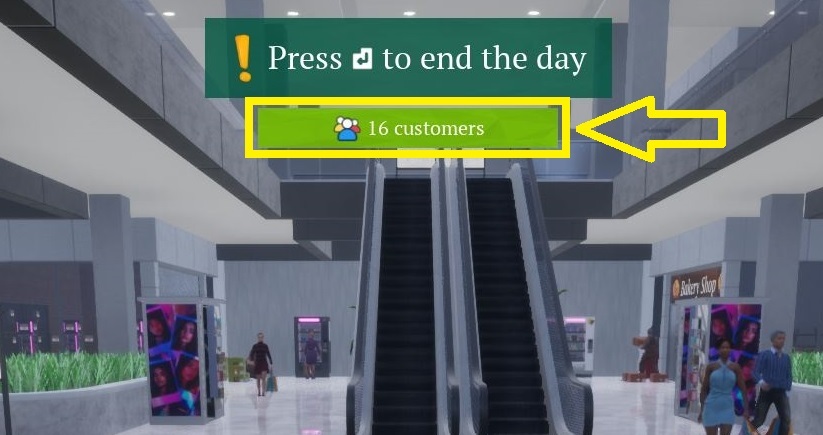
1- Mall is closed, but are there any customers inside?
When the mall is closed at 22.00, you can see how many customers are still shopping. You'd better wait until they complete their shopping.
2- New shortcut to buy everything in your shopping cart
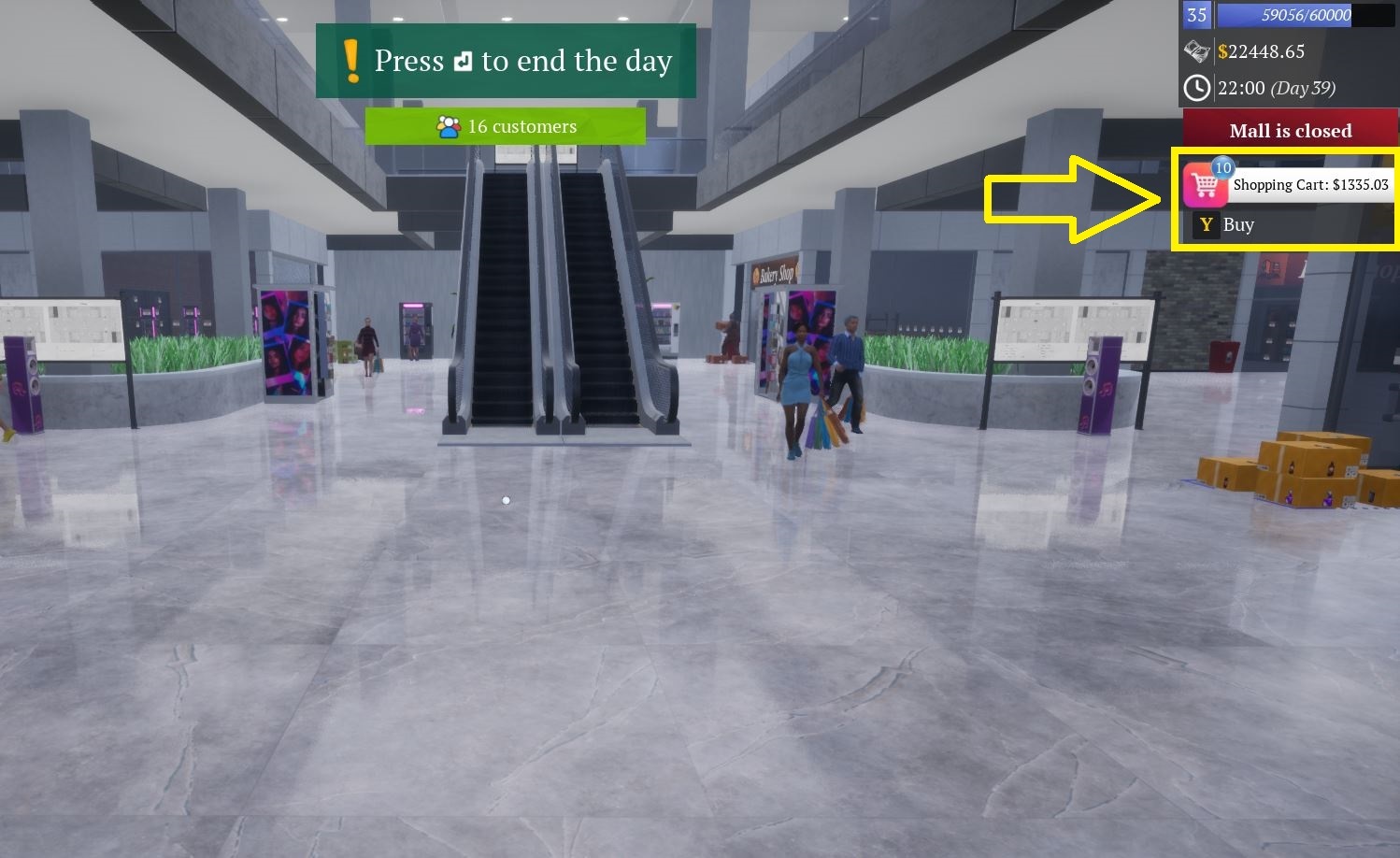
When you have products in your cart, it'll be shown on the right side of the screen, and you can buy all the products in your cart with the Y-key (by default).
(Also, as a reminder, you can add to cart any product by pressing the T-key when you hover on)
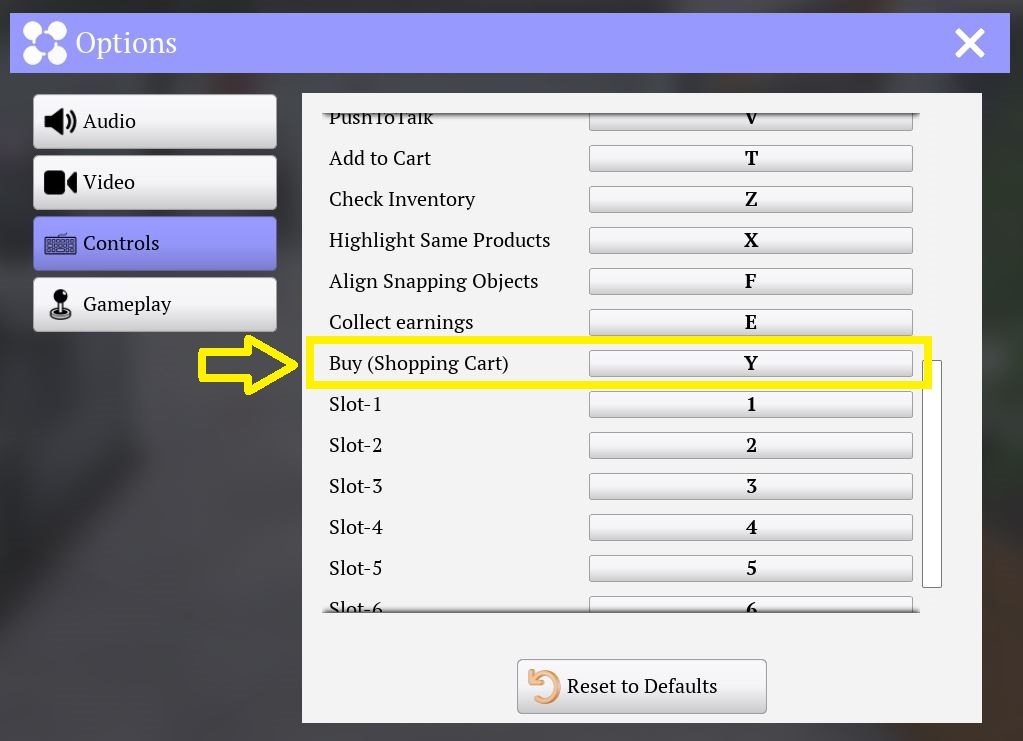
It's the Y-key by default. You can change it from the Options-Controls.
Keybinding: Options -> Controls -> Buy (Shopping Cart)
3- Pause the stocker
You can pause any stocker from the store-workers section.
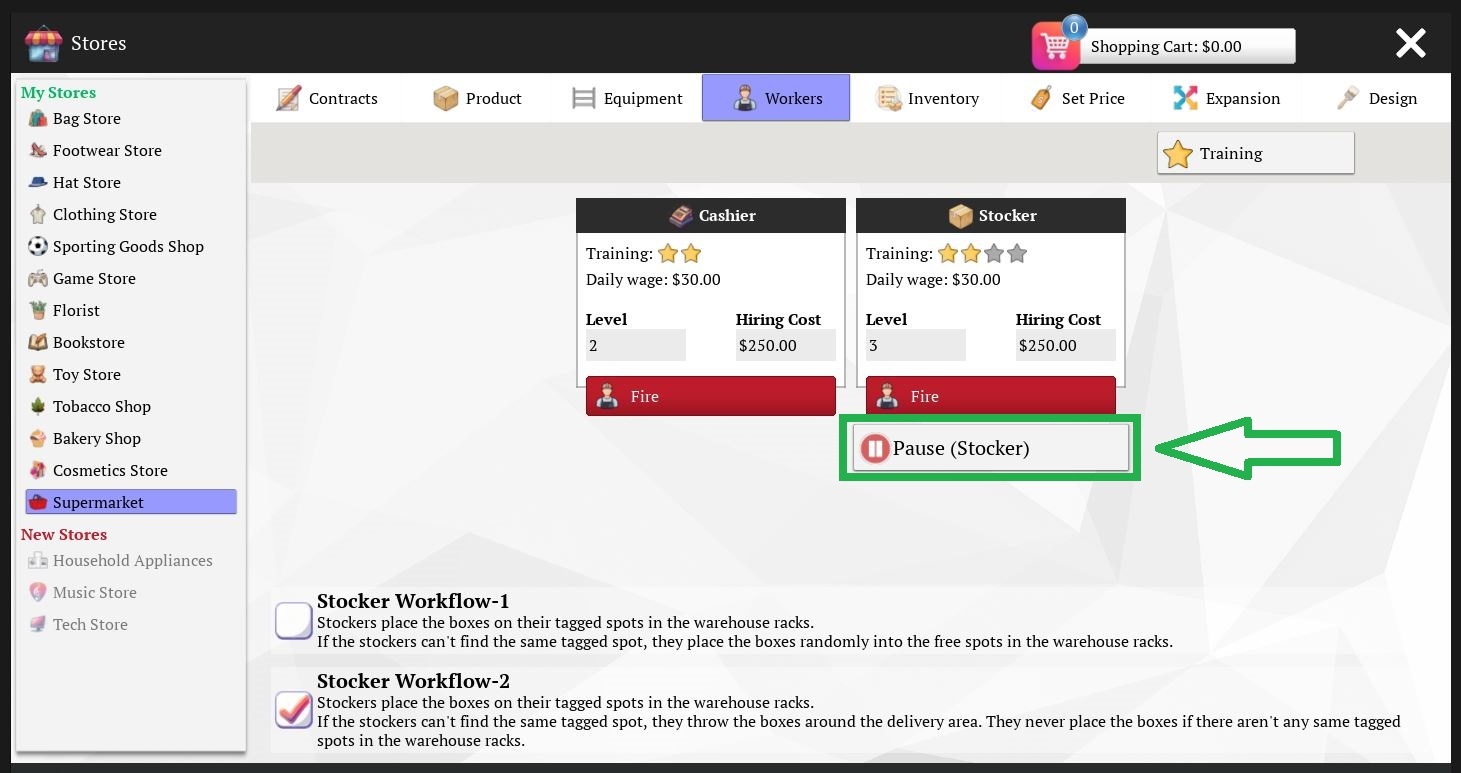
When you pause a store stocker, he'll wait outside the store. Please go to the store-workers section and press the start button to make him work again when you're done with your work.
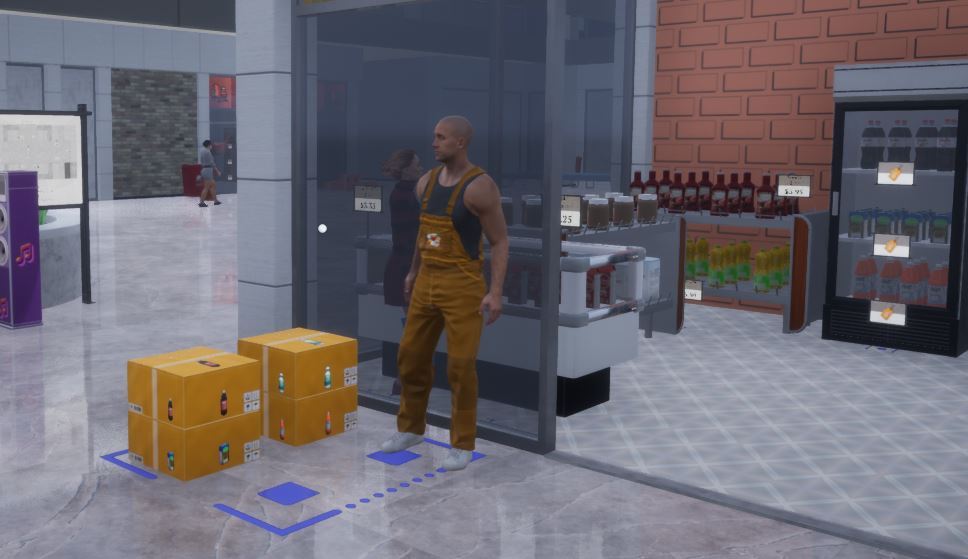
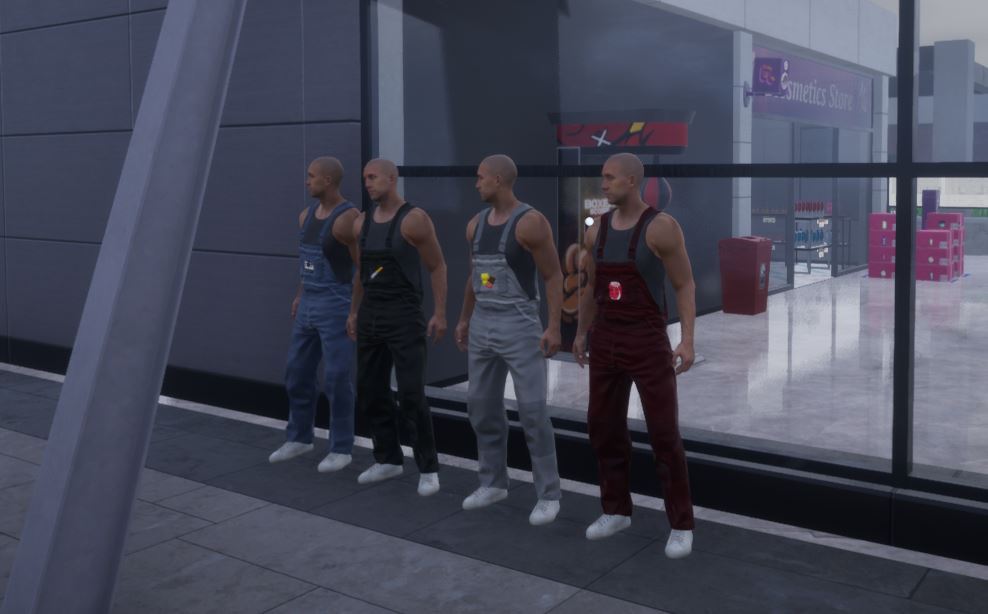
When you pause a vending machine stocker, he'll wait outside the mall. Please go to the machines-workers section and press the start button to make him work again when you're done with your work.
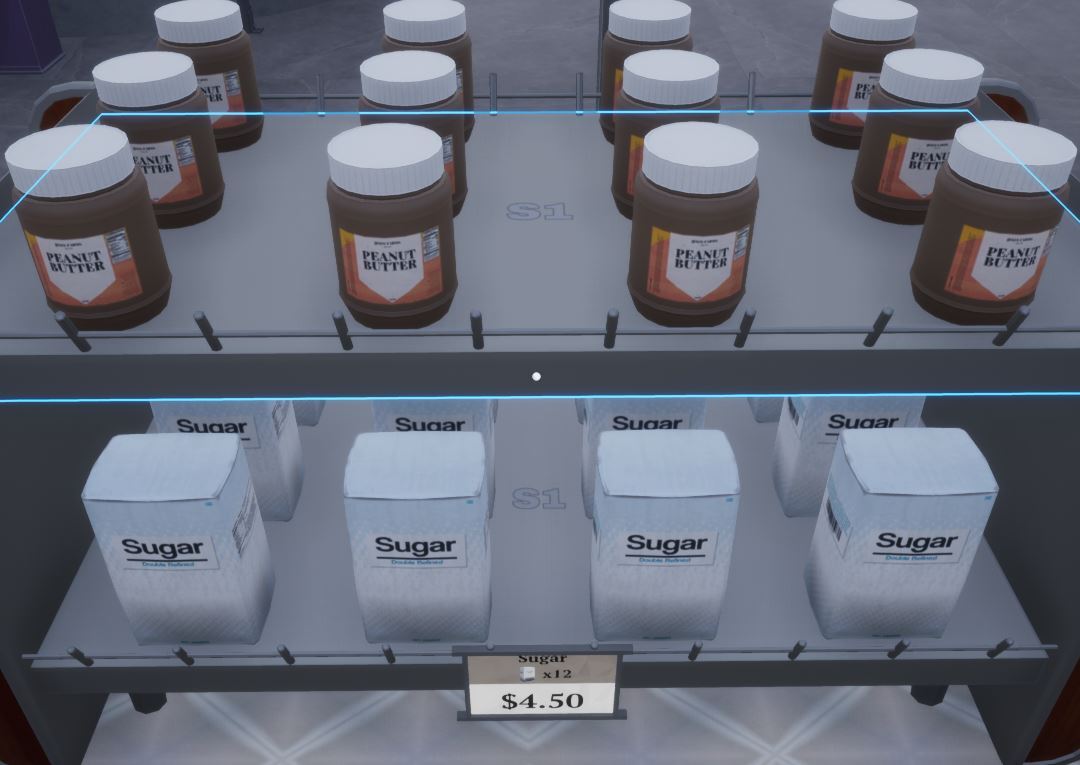
4- Rack type info text size
After some complaints about the text sizes for rack types on each rack, I've reduced them to half.
Steam Reviews: Your Feedback Matters!
If you haven't already, please consider leaving a Steam review. Even if it's a few sentences on how you feel about my game, I'd appreciate hearing your thoughts!
All the best