Early Access Begins TODAY!

If you pre-ordered the *Halo: Campaign Evolved* Digital Premium Edition or Collector’s Bundle, you can enjoy early-access play in both solo and four-player cross-play co-op starting today!

Jump into *Halo: Campaign Evolved* now to relive the timeless story with stunningly realized graphics, fully rebuilt sound design, and all-new cinematics.
---
Join Early Access
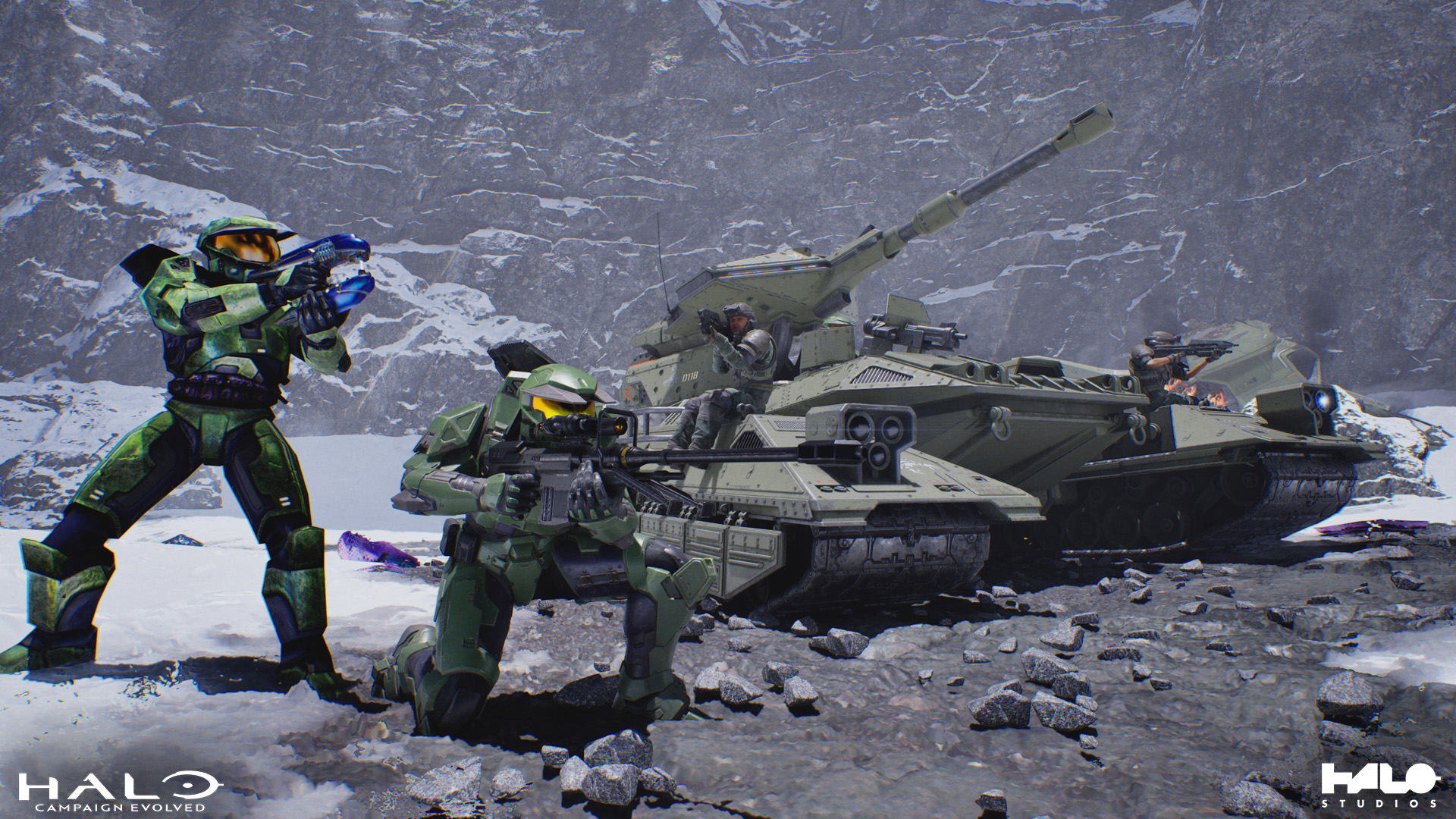
Ready to engage the Covenant on solid ground? There’s still time to purchase the Digital Premium Edition of *Halo: Campaign Evolved* and join your squadmates in Early Access.
---
Cross-platform Co-op
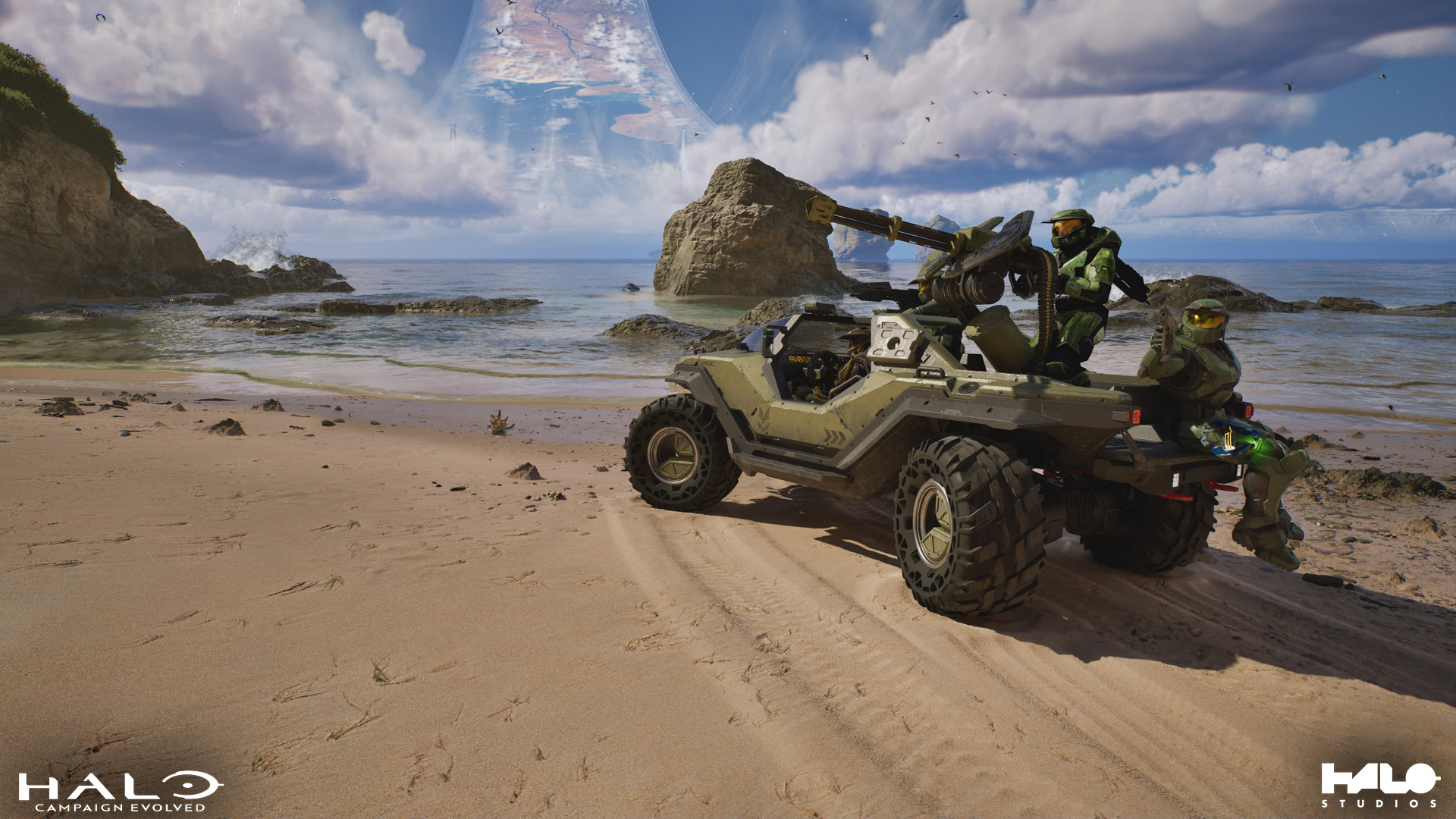
Ready to assemble your first Fireteam? Here are a few basic steps required for adding friends playing on different platforms:
- If you don’t already have one, create a new Microsoft account and select a suitable Gamertag so your cross-platform friends can find and add you.
- Search for and add your friends’ Gamertags to your XBOX friends list online at https://XBOX.com, in the XBOX mobile app, or through the XBOX Game Bar social widget on your PC. (Your friends will also need to accept your friend requests!)
- Once successfully added to your XBOX friends list, access the “Play Co-op” menu in Halo: Campaign Evolved to send invites or join up on a friend’s Fireteam. You’ll see a blinking dot indicator beside the menu option whenever friends are online.
For detailed guides on adding friends to your XBOX friends list, visit Halo Support’s comprehensive startup guide to all things co-op in *Halo: Campaign Evolved*.
The first time you play *Halo: Campaign Evolved*, you will be prompted to link your Steam ID to your XBOX Gamertag. For help linking cross-platform accounts, check out this handy guide from Halo Support.
---
Anniversary Armory

Celebrate 25 years of Halo with the Silver Anniversary Armor and Assault Rifle Styles, a free unlock for all *Halo: Campaign Evolved* players. Find this commemorative combo in the Customization menu the first time you play.
---
Accessibility Features
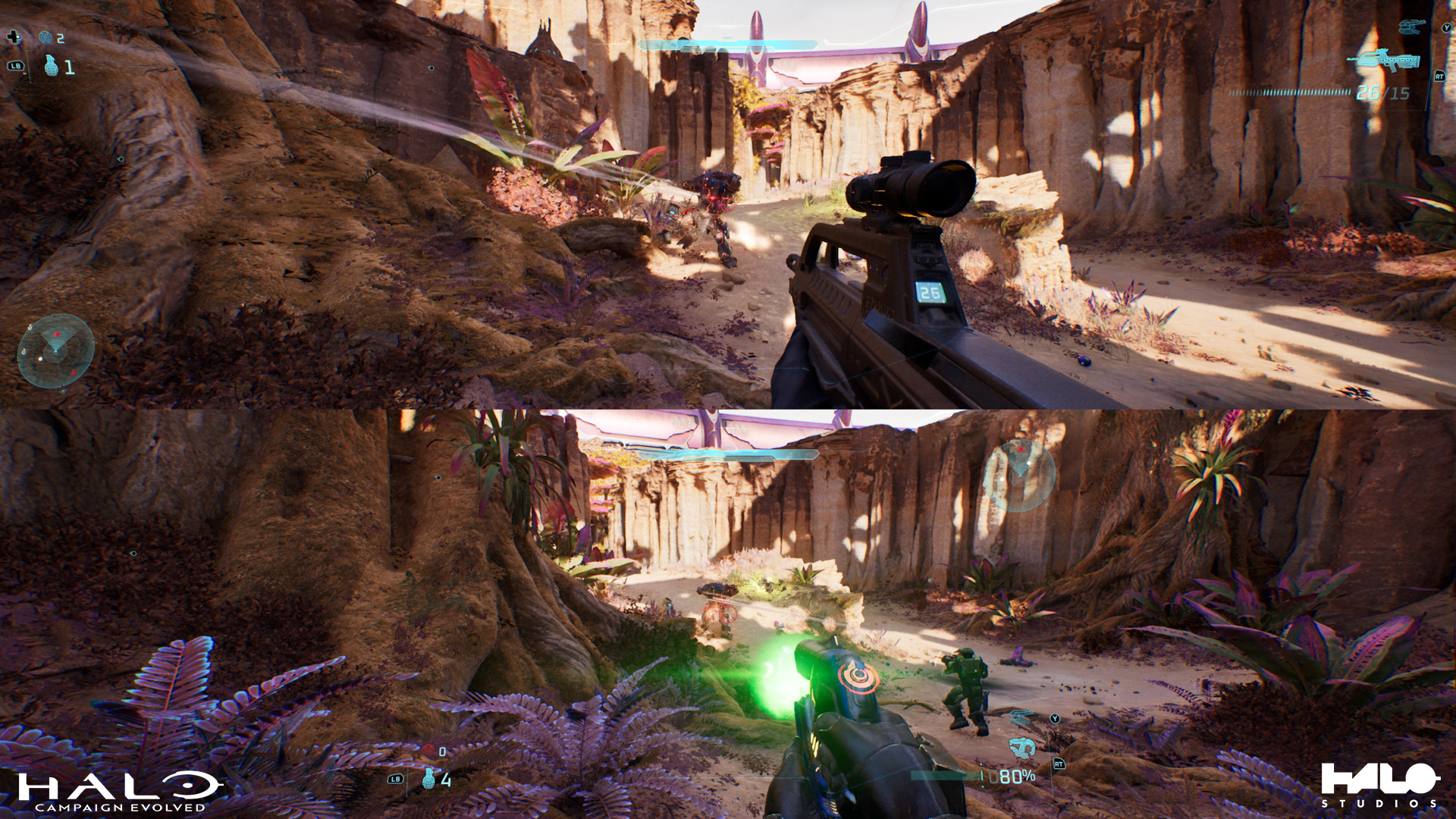
*Halo: Campaign Evolved* invites heroes to defend humanity on their own terms, with their preferred play configurations. Customize your experience with a wide range of accessibility settings, including input management, aim settings, custom control bindings, audio narration, HUD look and feel, UI language, menu animations, and much more.
---
Support Resources
Halo Support has prepared helpful guides to getting started in Halo: Campaign Evolved, including topics such as registering Microsoft accounts, adding cross-platform friends to your XBOX friends list, optimizing PC performance, and more!
- Account Linking and Unlinking in *Halo: Campaign Evolved*
- Split-screen and Cross-platform Co-op in *Halo: Campaign Evolved*
- Accessibility and Experience Customization in *Halo: Campaign Evolved*
- PC Specifications and Drivers for *Halo: Campaign Evolved*
- Optimizing your PC Experience in *Halo: Campaign Evolved*
Be sure to follow @HaloSupport on X for the latest updates. If you run into issues while playing *Halo: Campaign Evolved*, visit the Halo Support site to browse for more helpful how-to resources or submit a support ticket.
- UPDATED 7/23*
*Early Access for Halo: Campaign Evolved is now available for all platforms!* *As a thank you for your patience, all players may claim the brand-new Sandstone Ancient armor style here: *
https://aka.ms/SandstoneAncient
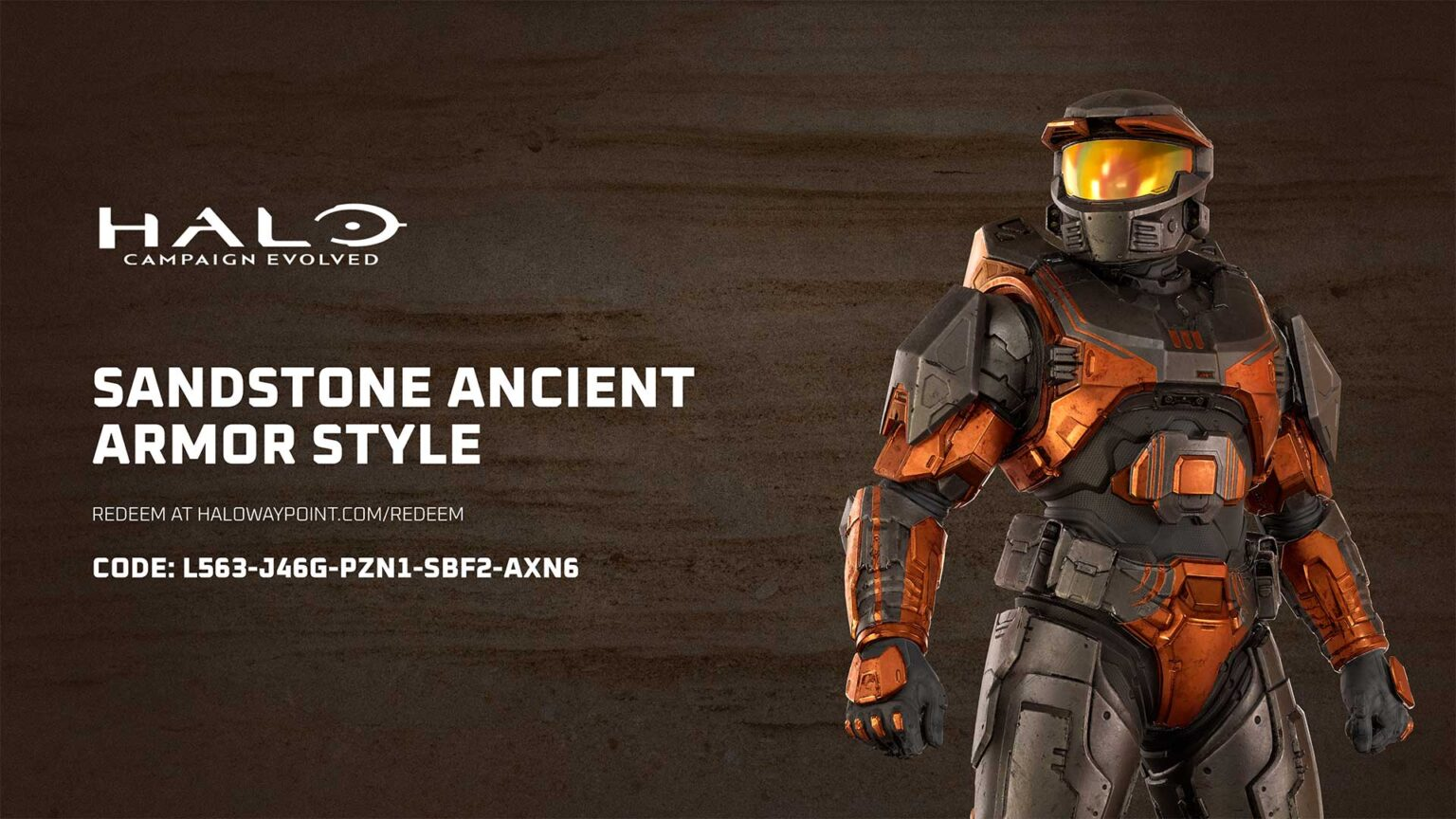
*We’ll see you on the ring!*
---